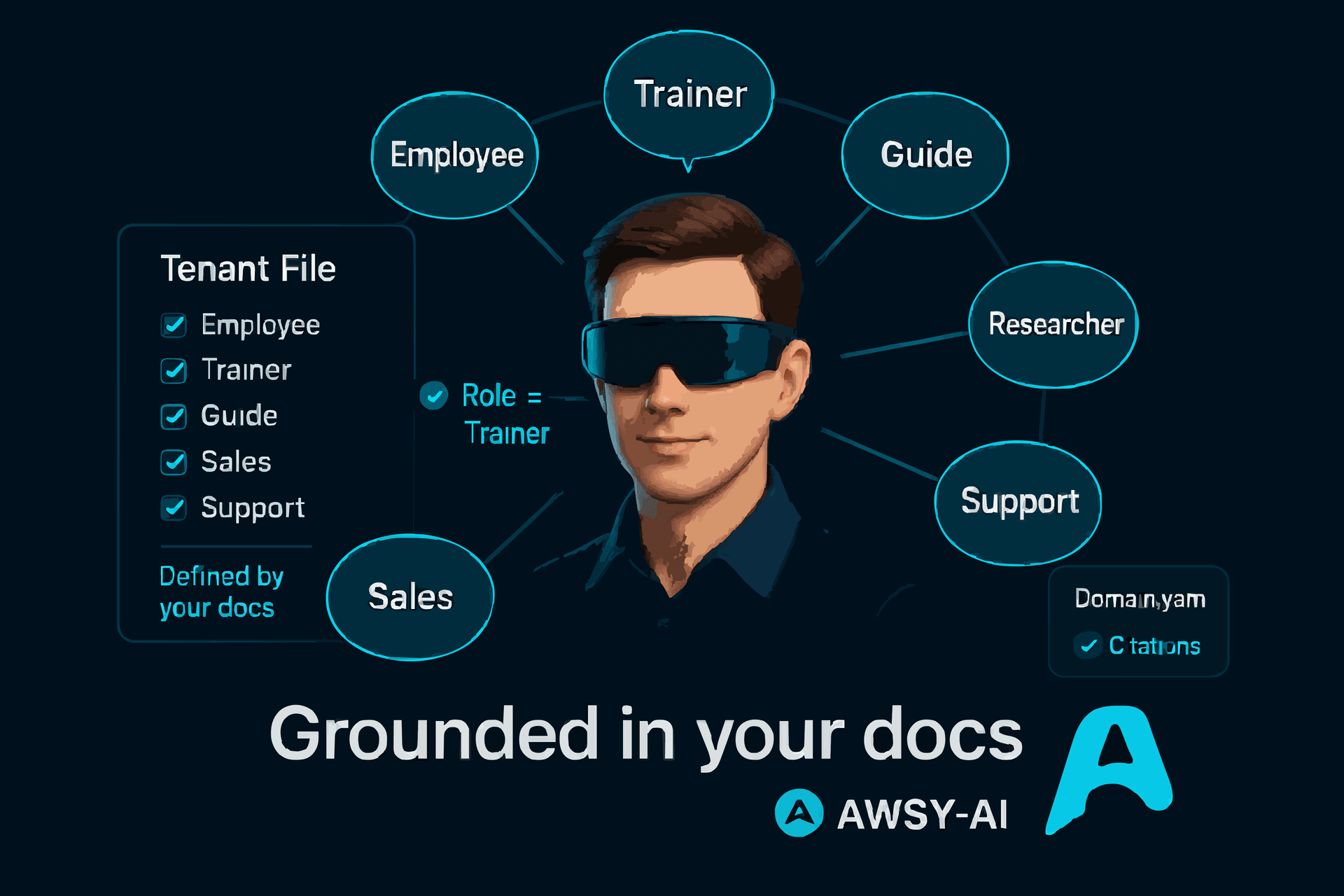
3D Voice ExperienceWebsite + web app concierge
Embed the 3D avatar on your site or web app to greet visitors and answer business questions in real time.
- Answers approved questions using your uploaded knowledge file.
- Captures leads and contact info with consent during the session.
- Sends a visit summary to your Awsy-AI dashboard for follow-up.
3D Voice ExperienceShowroom concierge
Answer questions about models, colors, add-ons, and bundles using your price list.
- Acts like a trained salesperson with the exact specs you uploaded.
- Highlights promos, financing, or warranties on demand.
3D Voice ExperienceReception & lobbies
Guide visitors through departments, working hours, or directions without needing staff on standby.
- Understands a full company profile to route visitors correctly.
- Collects name, email, or phone with spoken consent before handing off.
3D Voice ExperienceDemo & meeting rooms
Let partners quiz the avatar about services, case studies, or instructions while they wait.
- Explains pitch decks, solutions, or policies exactly as uploaded.
- Pauses, resumes, or ends sessions on demand for private discussions.
3D Voice ExperienceClinics & medical centers
Answer non-medical questions like appointment types, insurance, or preparation steps.
- Follows your policies so guidance stays compliant.
- Supports Arabic, English, French, German, Spanish, Turkish, and more.
3D Voice ExperienceTraining centers
Explain course catalogs, prerequisites, or attendance rules to new learners.
- Reads from your syllabus, policies, or pricing sheets.
- Summaries capture trainee questions for your staff.
3D Voice ExperienceHospitality concierge
Hotels and resorts let guests ask about amenities, spa menus, or loyalty benefits without waiting for a human agent.
- Uploads include welcome scripts, room types, and upsell offers for the avatar to follow.
- Collects guest contact info with spoken consent before escalating to staff.
3D Voice ExperienceService & citizen centers
Municipal halls or utilities use the avatar to answer policy, permit, or billing questions around the clock.
- Keeps the script limited to the single uploaded knowledge file so messaging stays compliant.
- Language auto-detection handles residents in Arabic, English, French, German, Spanish, Turkish, and more.